my.socialmedia — the hub that comes with the name.
A domain on its own is an address with nothing at it. So alongside the registry we are building my.socialmedia: the place where a name becomes a page, in the time it takes to check out — and where the people who follow you are held against the name rather than inside somebody else’s app.
It is the link-in-bio idea with the tenancy problem removed. The address people see, remember and type is yourname.socialmedia — your domain, on your registration — and the hub is the convenience layer sitting behind it. You describe the page you want in one prompt and it is built; there is no template to pick and no build step. Outgrow it, and you point the same address at a full site, a store, or whatever comes next. Nothing about your identity has to change.
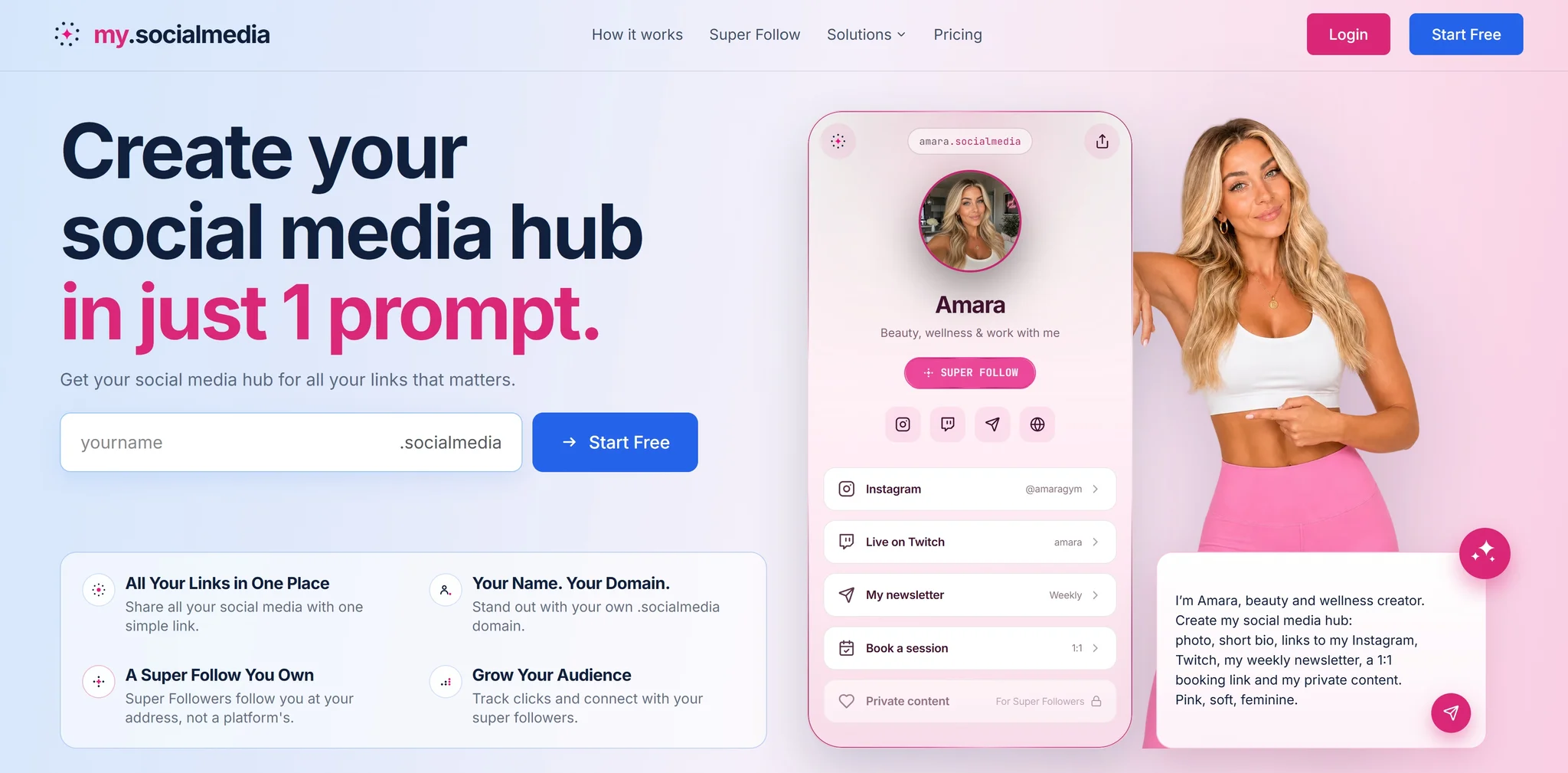
How you will claim yours
Four steps, and the fourth is the one that lasts.
Name it
Search the name you go by and claim it at a standard price, in a normal checkout. Because the namespace is new, the exact-match answer is far more often yes than it is anywhere mature — and what you get is a domain: transferable, renewable, inheritable, and governed by no platform's terms of service.
Prompt it
Describe the hub you want in a sentence — who you are, what you want linked, what it should feel like — and it is built. No template to pick, no page to lay out, and no build step between claiming the name and having something at it. Change it later by describing the change.
Share it
The hub is live at the address immediately: photo, bio, and a button for every account, store, booking page or newsletter you want to send people to. One link, printed anywhere, that keeps working when the platforms behind it change.
Grow it
Visitors press Super Follow on your hub, and the follow is kept at your address rather than inside somebody's app. That is the step the first three exist for: the audience is attached to the name, so it travels with it.
Super Follow — a follow you own, not a follow you rent
Every hub carries one button. A visitor taps it once and is following you, at your address — and that is the part a link-in-bio page has never been able to do, because it has no address of its own to keep the follow at.
One follow, every channel
A fan taps Super Follow once at your address and is subscribed to you — not to your Instagram and your Twitch and your newsletter separately, each with its own account and its own unsubscribe.
You own the relationship
The follow sits at the address layer rather than inside an app, so the list is held where you can reach it rather than inside somebody else's graph. A platform can take your account; it cannot take an audience attached to your own name.
Direct reach, with no ranking in between
Nothing stands between you and the people who chose to follow you. There is no feed to be placed in and no reach to buy back — on Premium you write from your hub and it lands in each Super Follower's Super Box.
Private links for Super Followers
A row on your hub can be private: visible to everyone, shut until somebody Super Follows, and open the moment they do. The lock is the invitation rather than the wall.
It is on every hub, including the free one. Super Follow is not the thing we sell — the domain, the customisation and the statistics are.
What your page looks like
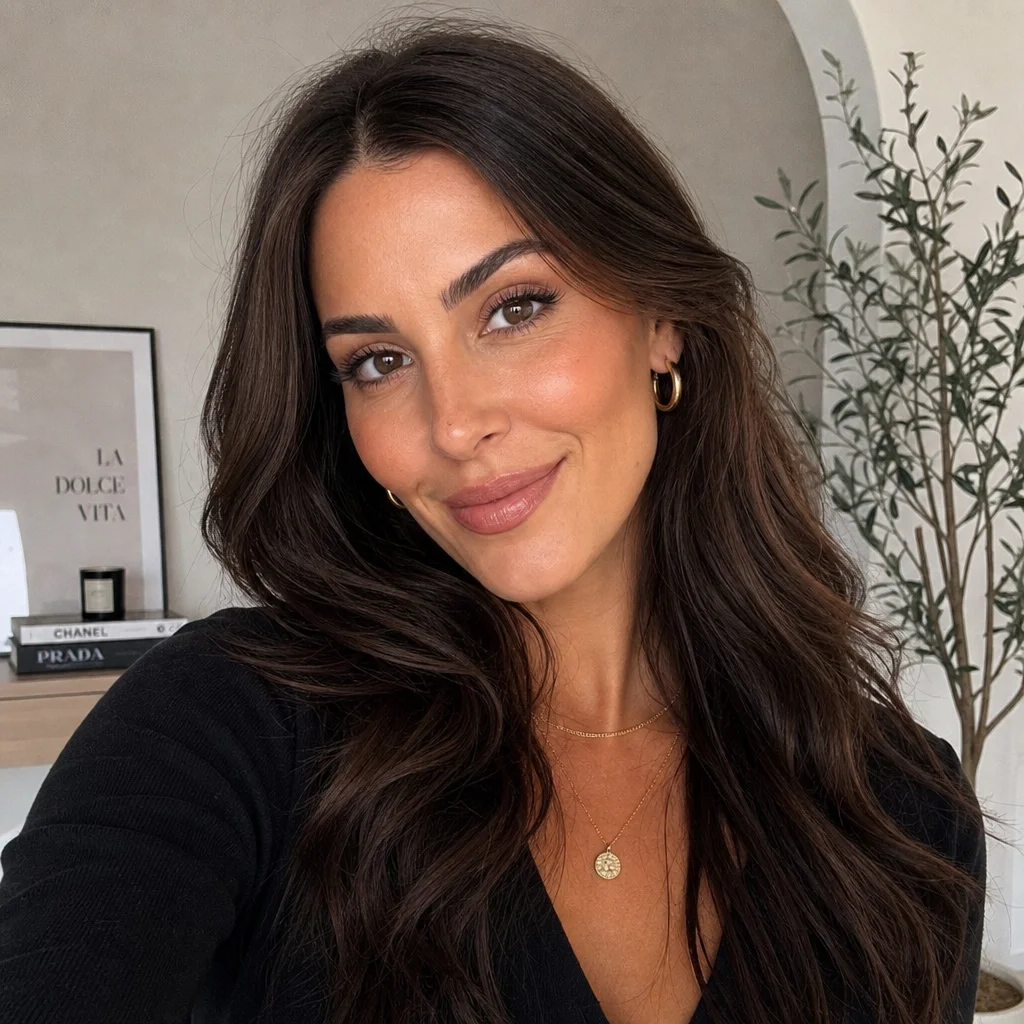
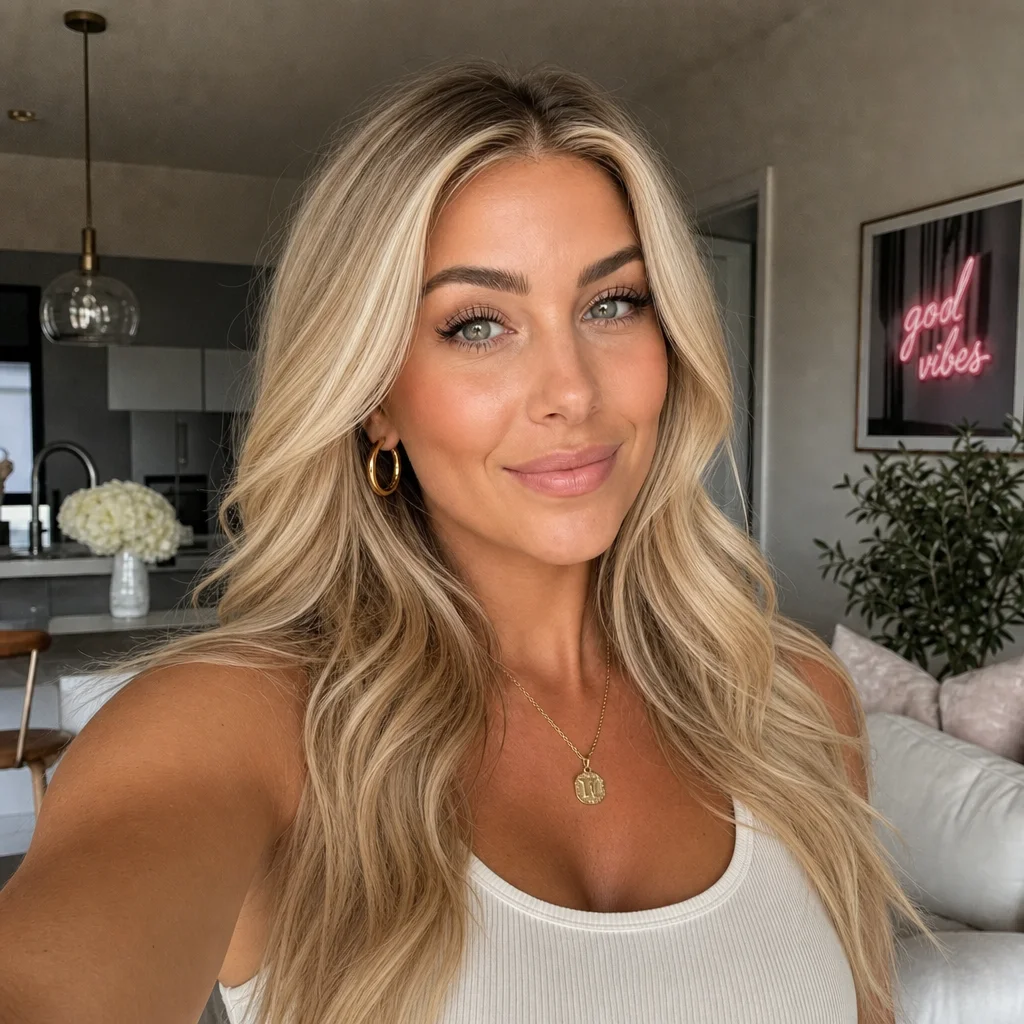
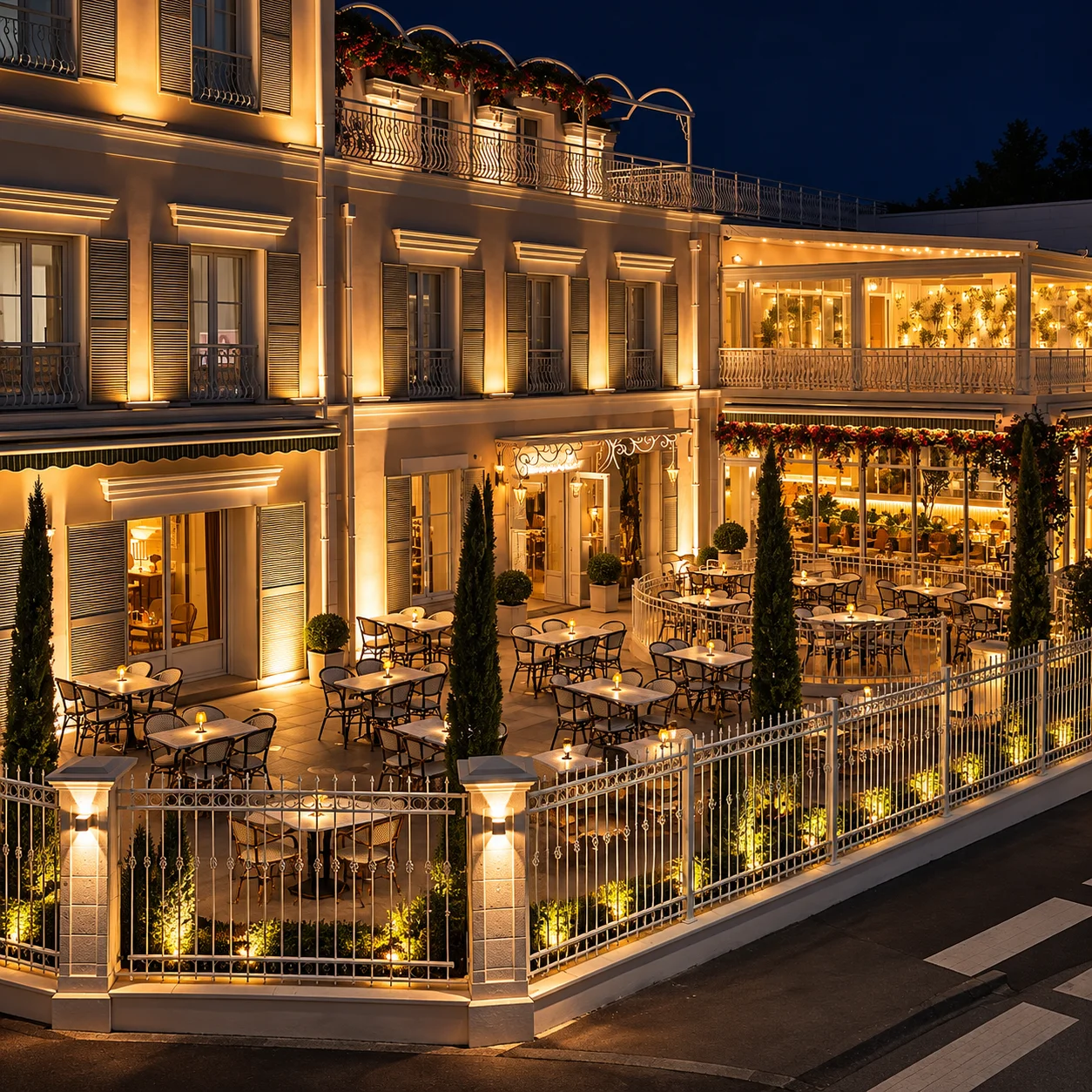
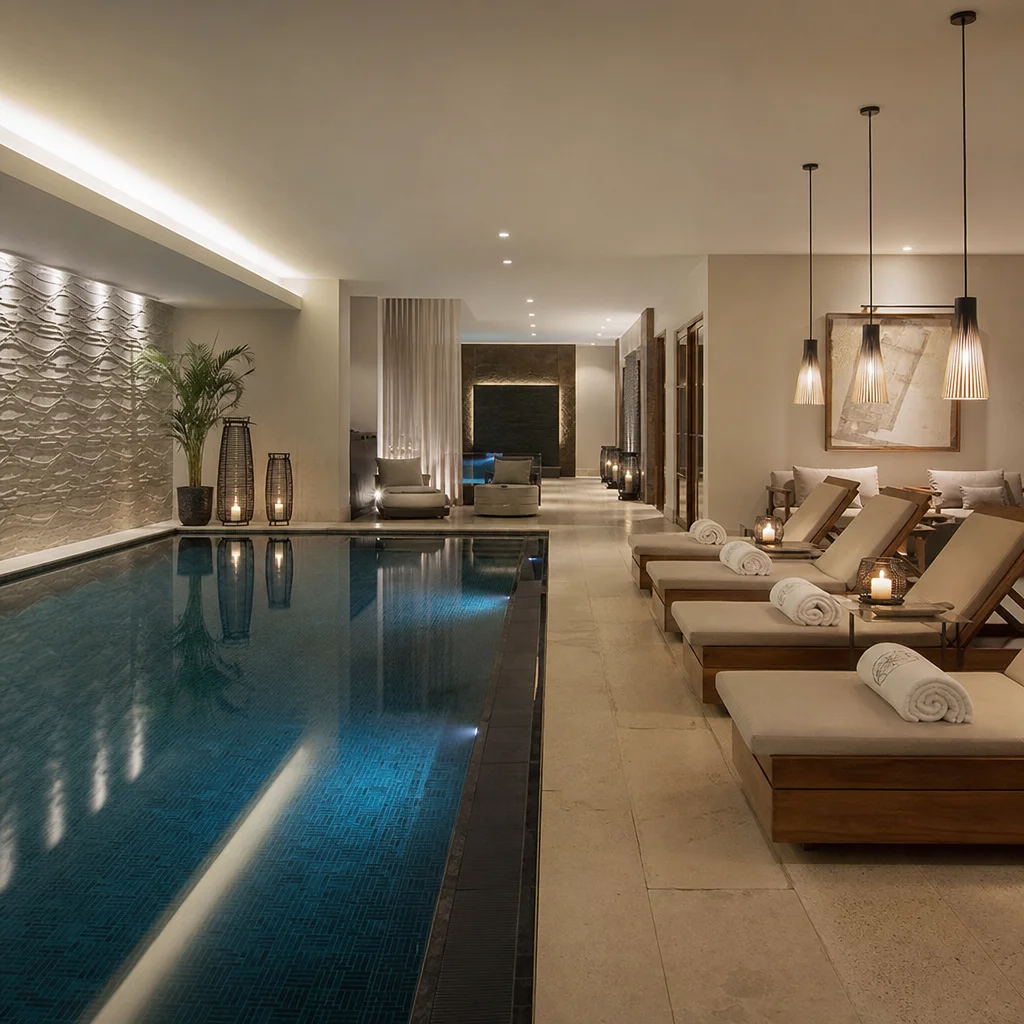
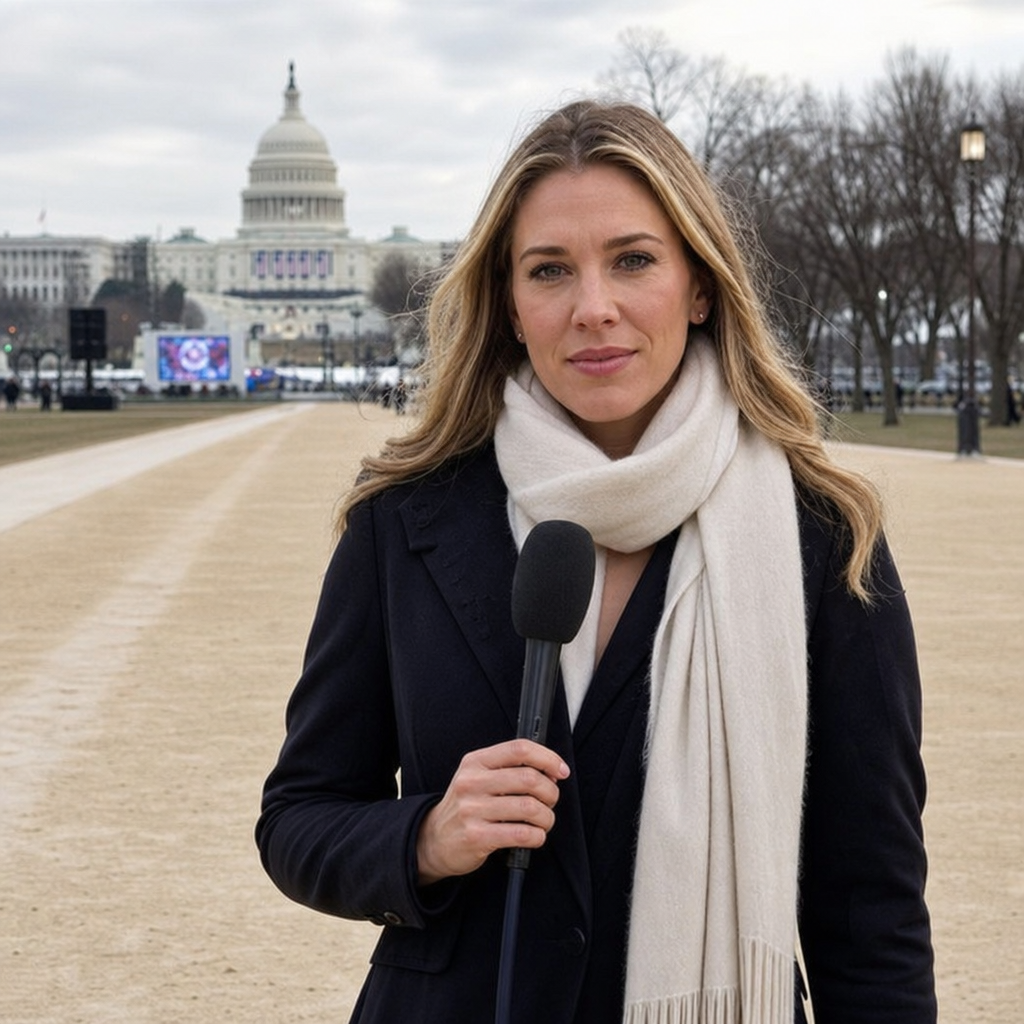
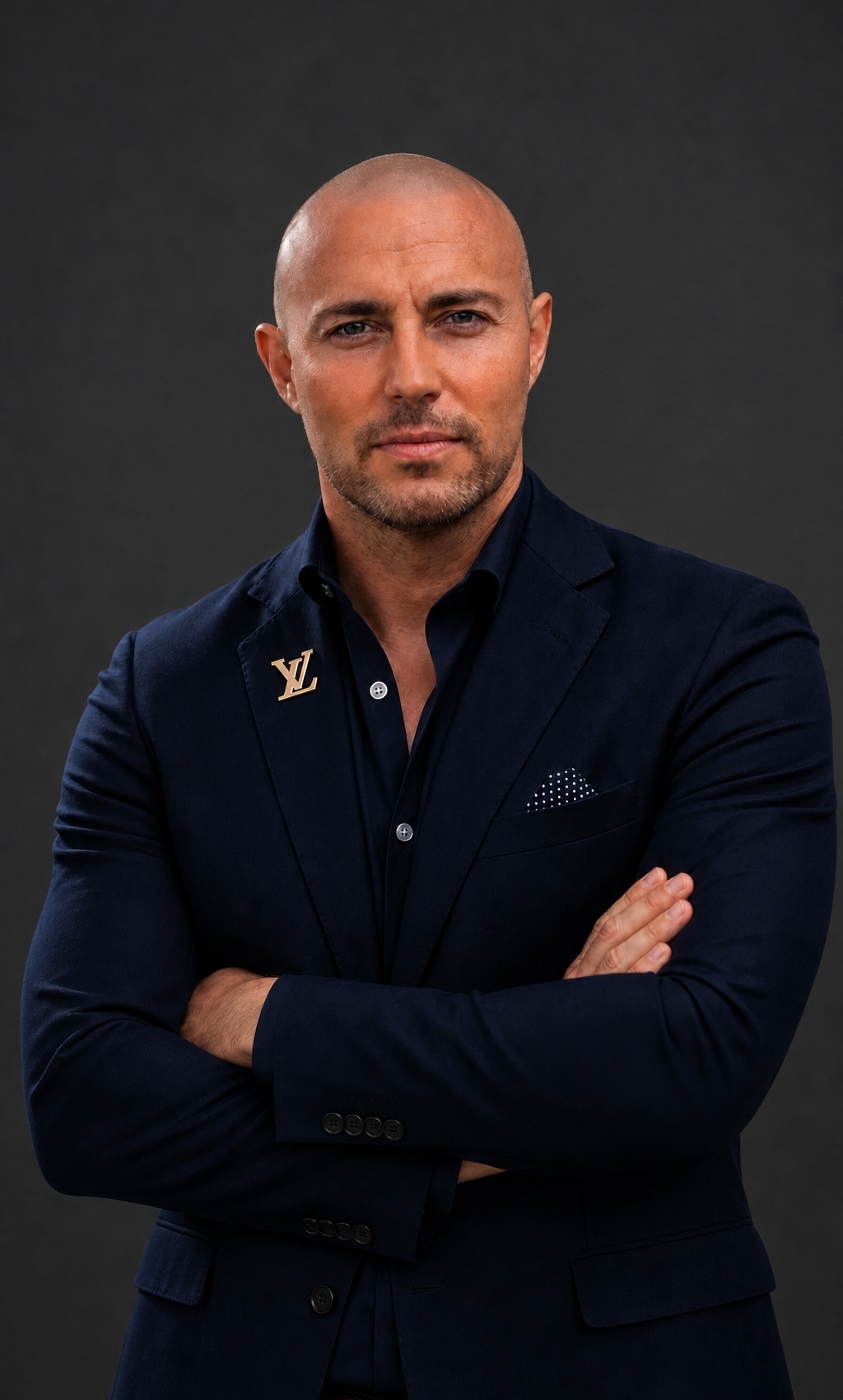
Twenty-one takes on the same thing: one address, everything behind it. The buttons are yours to set — accounts, a store, a booking page, a newsletter, a press kit, a row kept back for Super Followers — and so is the palette, because the page belongs to the registrant, not to the registry. Creators in fashion, food, cars, wellness and subscriptions; a brand publishing the canonical list of its real accounts; an artist pointing at music and tour dates; a hotel taking the booking direct; a restaurant with tonight’s table; a spa taking the appointment; a shop, a footballer, a student, a dog with a bigger following than the person holding the lead; a reporter, a broadcaster, an office-holder; and the founder of internet.Best.
















What comes with the registration
- The domain itself. yourname.socialmedia, registered to you, renewable on your terms and movable to any registrar.
- The hub page. Free from the start and built from one prompt: photo, bio and unlimited links to every account, store, booking page or newsletter. No build step, and no template to choose.
- A Super Follow button. On every hub, the free one included. People follow the address rather than an account inside somebody's platform, so the audience travels with the name.
- The follower list. Held against your address rather than inside an app. On Premium you can write to it, and what you send arrives in each Super Follower's Super Box rather than in an ordinary inbox.
- Private links. A row on your hub can be shut where everyone can see it, and open the moment somebody Super Follows — the paywall-shaped feature without a paywall.
- Email on your name. [email protected], which changes how brand deals, press and client work read you.
- Verification that holds. Because you control the DNS, the reverse-link verification Bluesky, Mastodon and others use works out of the box — and brands can publish the canonical list of their real accounts. Premium adds a certified badge on the hub.
- First-party analytics. Click data measured at your own address rather than inferred from a dashboard belonging to somebody else, which no platform will hand over about traffic leaving its walls.
What it is expected to cost
One address, one hub, one simple price: no per-click fees and no revenue share. Indicative, like everything else on this page — nothing is on sale and final pricing will be published before any launch.
A hub of your own at my.socialmedia/yourname, built from one prompt, with unlimited links and the Super Follow button on it.
The hub moves to yourname.socialmedia. Custom template and colours, no my.socialmedia branding, private links, and first-party click analytics.
A certified account badge, richer content, fonts and layouts, messages to your Super Followers, advanced click and follower statistics, and a priority abuse desk.
When. None of this opens before ICANN delegates the string, and we will not pretend to know that date — see the Timeline. What we can say is that the hub is being built now, so the day .socialmedia goes live, claiming a name and having a page at it is one flow, not a project. Registration will also run through the accredited registrars you already use; my.socialmedia is the fastest path, never the only one.